A file workflow for a video production in China needs to cover what happens on set, what the editor receives and how the client accepts the final delivery. Choose storage and transfer tools around those steps, the people who need access and the time available. This guide explains how to agree backups, test a transfer route, share review files and hand over camera originals without leaving ownership or archive arrangements unclear.
Updated 6 November 2026
Agree the file plan before the shoot
Put the data workflow into the production brief. A local edit, an overseas edit and a client who only needs review copies have different requirements. Name the person responsible for each transfer and the person who confirms receipt. Keep the wider schedule and approvals in the film production management plan.
- Files: camera originals, sound, stills, proxies, edit projects, graphics and final masters that are included in the handoff.
- Formats: recording format, frame rate, audio layout, edit software and delivery specifications.
- Volume and timing: estimated daily footage, first review deadline and final delivery date.
- Owners: who copies cards, checks backups, uploads files, receives them and authorizes card reuse.
- Costs: drives, storage, transfer charges, data handling and any courier arrangements to include in the budget.
When hiring a videographer in China, agree whether data handling is part of the booking and who covers it when the camera team is still shooting.
Make verified backups on set
A working drive, a shared folder and an independent backup serve different purposes. Agree a copy and verification procedure before the first card is full. Storage redundancy alone should not be treated as the complete backup plan.
- Identify the source. Record the shoot date, camera, card or reel identifier and the person taking custody.
- Copy the original folder structure. Keep camera and audio files together with the metadata needed by the edit team. Avoid renaming individual camera files unless the agreed workflow requires it.
- Verify each copy. Use the agreed verification method, such as checksum comparison, and record the result. Check that representative picture and sound files can be opened.
- Separate the backups. Agree where the independent copy travels and who holds it. Two copies in one bag share the same loss risk.
- Release the card deliberately. Only the named person should authorize reuse after the required copies and checks are complete.
Keep a simple transfer log with source, destination, file count, verification result and any missing or damaged file. Resolve an exception while the original source is still available.
Choose a transfer route for each handoff
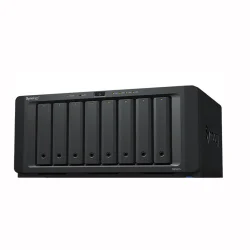
Local cloud storage, shared studio storage, browser-based transfers and physical drives can each have a place. Test access from both ends of the intended route before choosing one. Include the actual recipient, account permissions and a representative file in that test.
| Handoff | Practical choice and checks |
|---|---|
| Client needs to review a cut | Send a review export through an accessible review or sharing tool. Check playback, download permissions, version labels and the feedback route. |
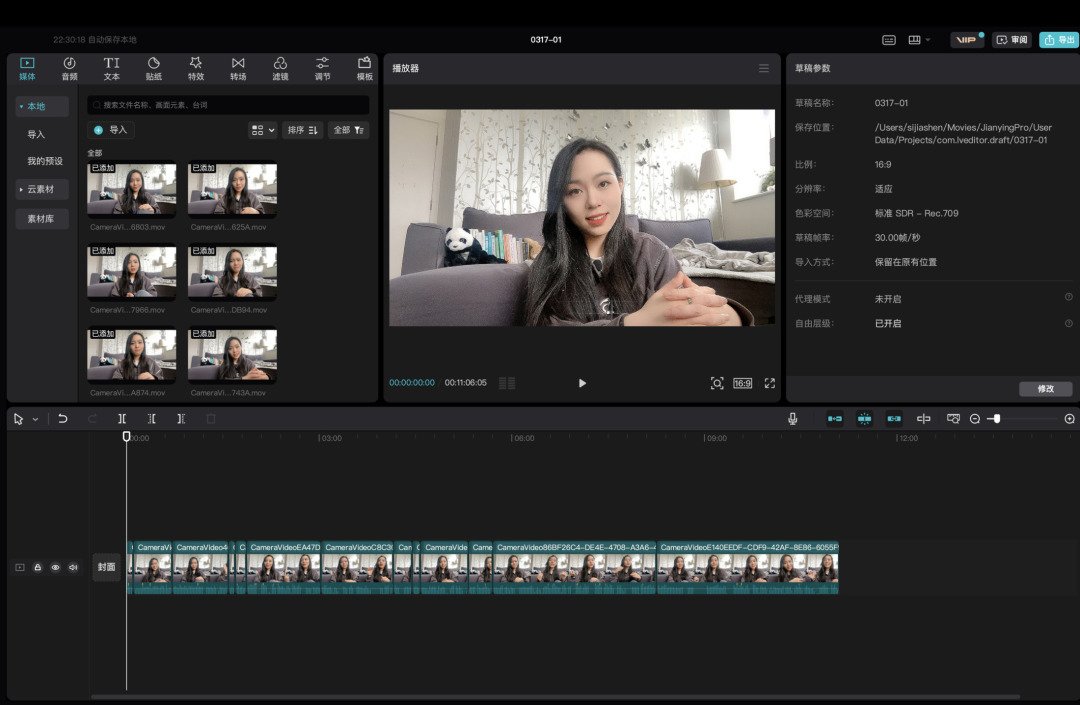
| Editor needs to start quickly | Send compatible proxies and the agreed audio or project files first. Test relinking to originals before repeating the workflow. |
| Team needs camera originals remotely | Use a tested transfer or shared-storage route. Check available capacity, resumable transfers, recipient download access and verification after arrival. |
| Originals exceed the available transfer window | Consider a drive handoff alongside online proxies. Agree drive format, transport, custody, timing and a retained verified backup. |
The same platform does not have to handle review, editing and archive. Keep the handoff between them explicit so that everyone knows which copy is current and which files remain to be delivered.
Plan around measured upload and download performance
Test the connection where files will actually leave the production and where they will be received. A broadband package label does not establish the time needed for the whole handoff. Upload, remote download, other network use and transfer interruptions can each affect the schedule.
- Test a representative batch, record its size and elapsed time, and confirm the recipient can download and open it.
- Allow time for verification and retries as well as the initial upload.
- Prioritize the files needed for the next edit or approval instead of waiting for every original to finish transferring.
- Agree a fallback if the tested route becomes unavailable, and name the person who decides when to use it.
Include storage capacity at both ends. An upload can succeed while the recipient lacks room to download, unpack or work with the delivery.
Set access permissions before sharing
Decide who needs to upload, edit, review or download. Give each person the access their task requires, and test it with the intended account. Agree how confidential footage, contributor material and unreleased client work may be shared within the project.
- Name the owner of the storage account and the person who can add or remove access.
- Agree whether links require sign-in, passwords or an expiry date, and how credentials are shared.
- Confirm which recipients may forward a link or invite another collaborator.
- Separate working folders from approved deliveries to reduce accidental overwrites.
- Agree when project access ends and who confirms that the required files have been received first.
Keep proxies linked to camera originals
Proxies are smaller working copies that can let an editor begin before all originals arrive. Agree their format and naming with the editor before generating a full shoot’s worth. Review exports are a separate deliverable: they may include graphics, subtitles or timecode for feedback and should be labelled accordingly.
Run one sample through the complete path: make a proxy, transfer it, import it into the intended edit project and relink it to the original. Preserve the identifiers and folder relationships the chosen workflow needs. Include sound and synchronization information in the test.
Use clear version names for review exports and identify the version receiving comments. Record whether the client has approved picture, sound, graphics or the complete master so that an approval cannot be mistaken for a different stage.
Confirm final delivery with a file list
Before the final upload, compare the delivery against the agreed scope. A finished film, clean master, caption file and editable project are distinct items. Record which ones are included, their specifications and who accepts them.
- List the delivered files with version, format and intended use.
- Check picture, sound, duration, captions and any requested alternate versions.
- Send the delivery location and any access expiry to the named recipient.
- Ask the recipient to confirm successful download and flag missing or unreadable files.
- Record acceptance and any remaining corrections against that delivery version.
Where delivery or acceptance is linked to a payment milestone, use the trigger agreed in the contract. See the international production payment workflow for coordinating approvals and invoices.
Agree archive arrangements and close access
Set the archive terms before treating the project as closed. Confirm who keeps camera originals, edit projects and final masters, how long each copy is retained, any storage or retrieval costs, and the process for requesting later access. A temporary download link should not be assumed to be a long-term archive.
Record the agreed retention end date and any notice required before deletion. Confirm that the client has its required copies, close unnecessary sharing access and keep the delivery log with the production records.
For a production in China, contact Alchemist Films with the shoot location, expected footage volume, editing location and delivery deadline. These details help establish the file handling requirements alongside the production scope.